Open template or page in pop-up
To open a template or page in a pop-up on an existing webpage, drag the HTML block to the page and open the code viewer.
How to set it up, in the back-end:
-
Go to Page management
-
Drag the HTML block to the page
-
Open the code viewer (at the top right)
-
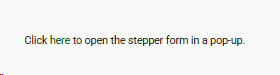
Enter the code to open the wanted template or page. This is an example of the code:Click <a href="I_Animal_Stepper" target="popup">here</a> to open the stepper form in a pop-up.
-
Click save.
The results, in the front-end:
-
Navigate to the page where the code was added.
-
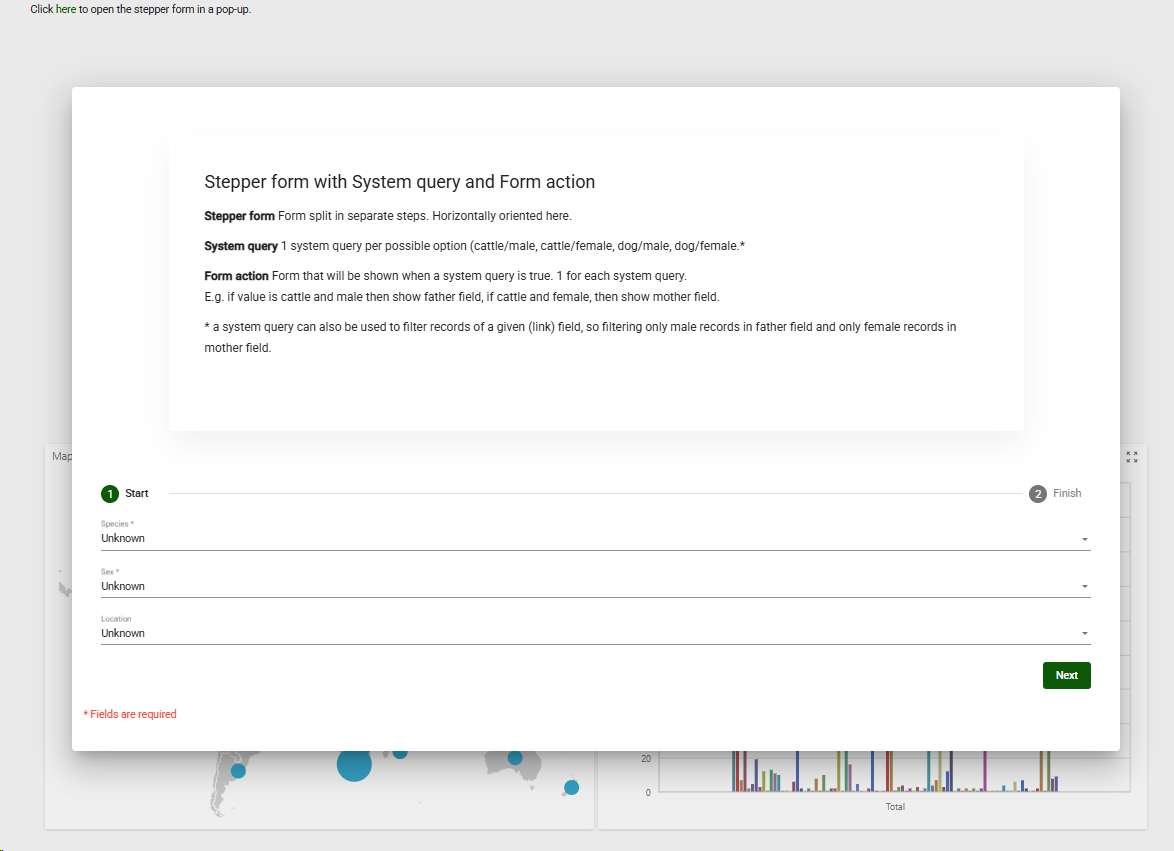
Click on the link to see the pop-up.